
How it works
Five minutes of your time. The rest happens on its own.
One phone, one match, one report. For singles matches, during the invitation-only pilot.
Before your first match: sign in, then your child's profile
Sign in with the e-mail address we invited. On a phone, choose Continue with email. Then fill in your child's profile once: name, BAI ID, playing hand, height and rank. Every match you add uses it.
Step 1 · Before the first serve
Set it up once. Film the whole match.
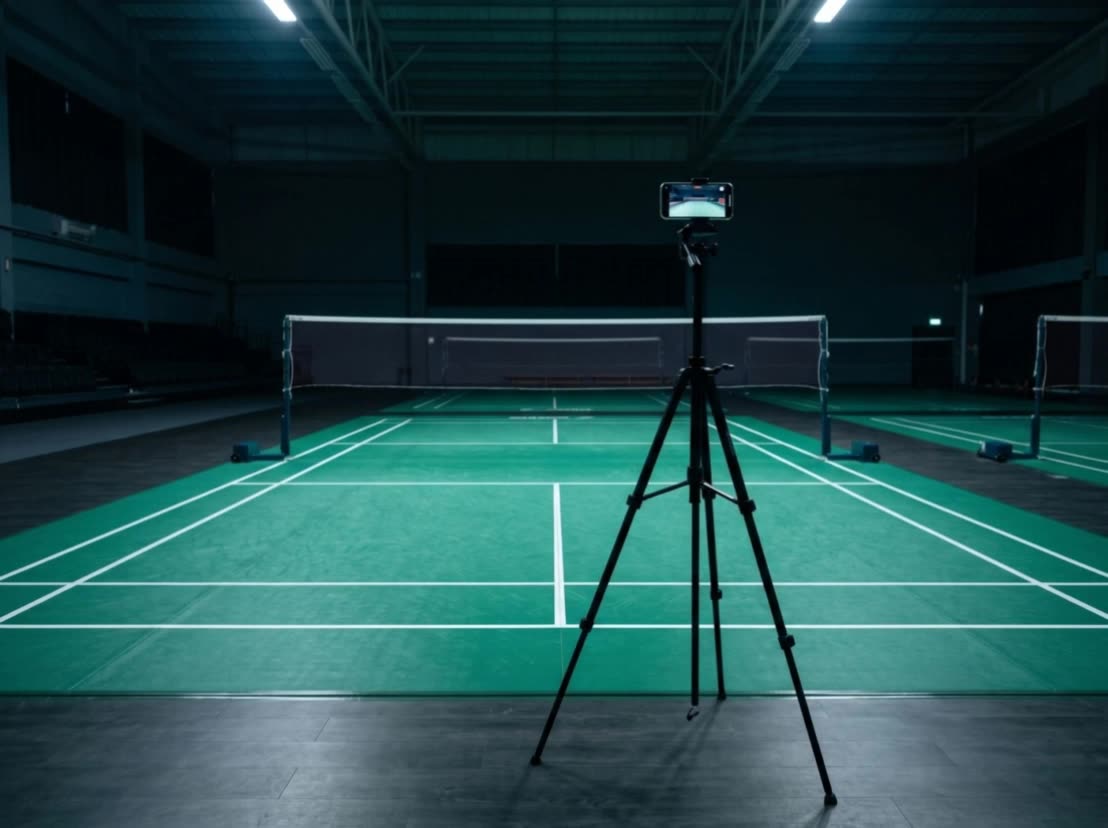
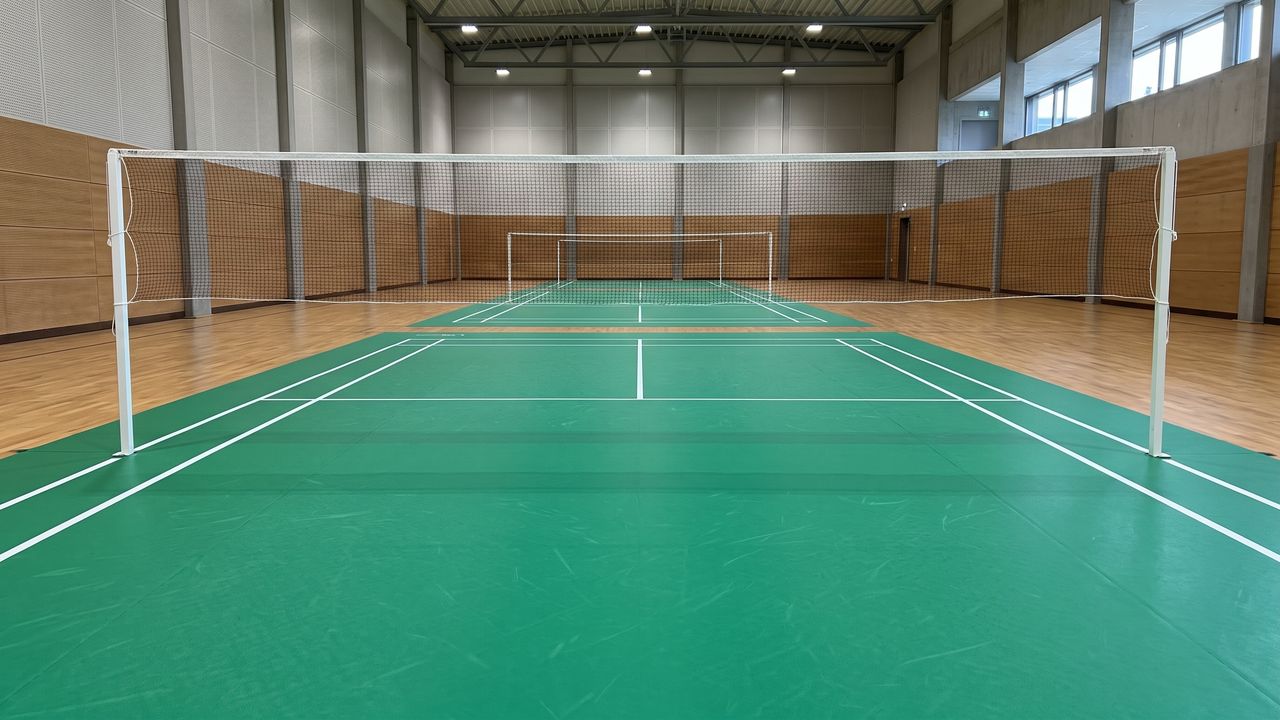
- Behind the middle of a back line, 4–4.5 m back.
- 1.5 m high or more: a tripod or stand, head height is good.
- Phone sideways, with the normal 1x lens, not 0.5x.
- The whole court in the picture, both back lines and all four corners.
- Fixed before the first serve. Don't touch it until the match ends.
- Nobody standing on your child's half during play.
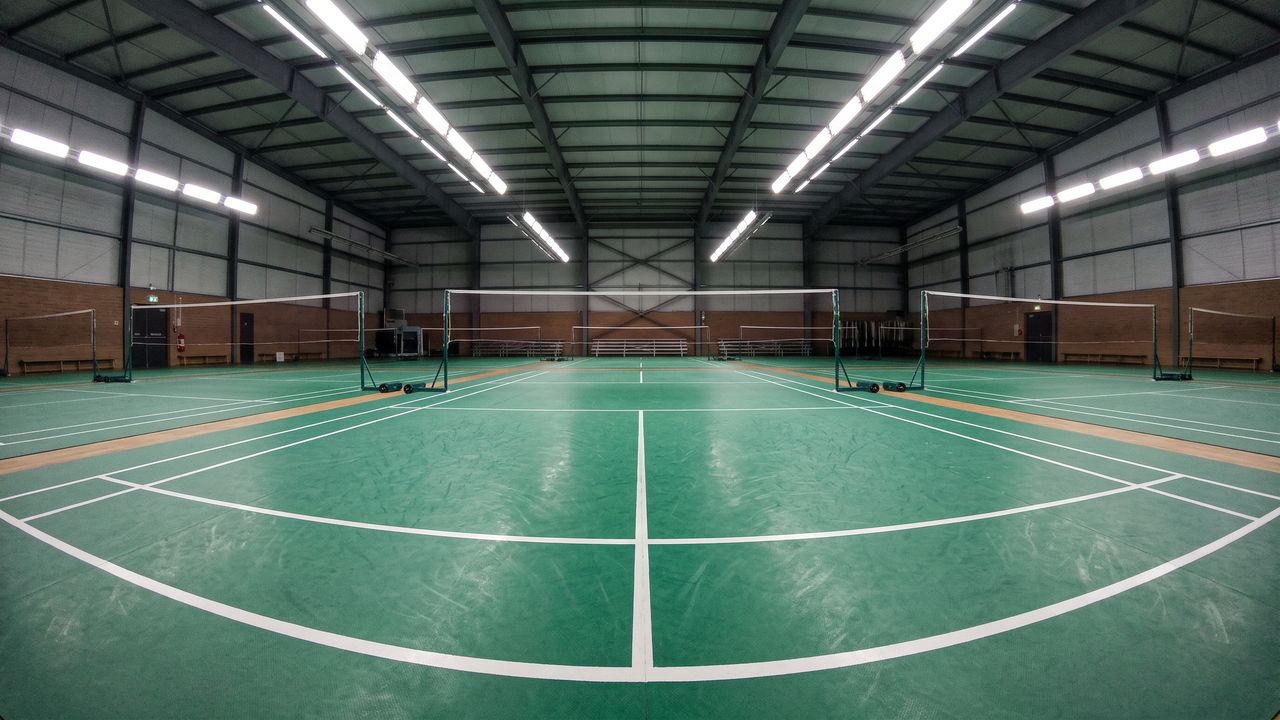
- White court lines in the hall.
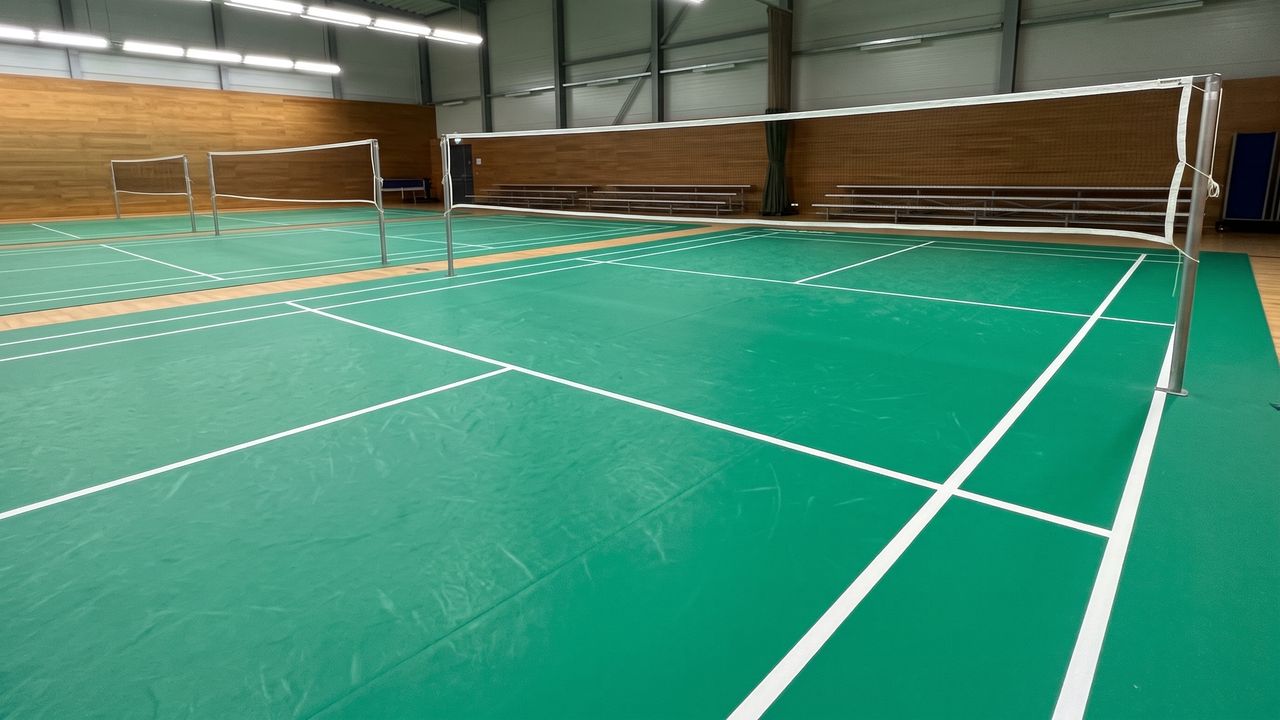
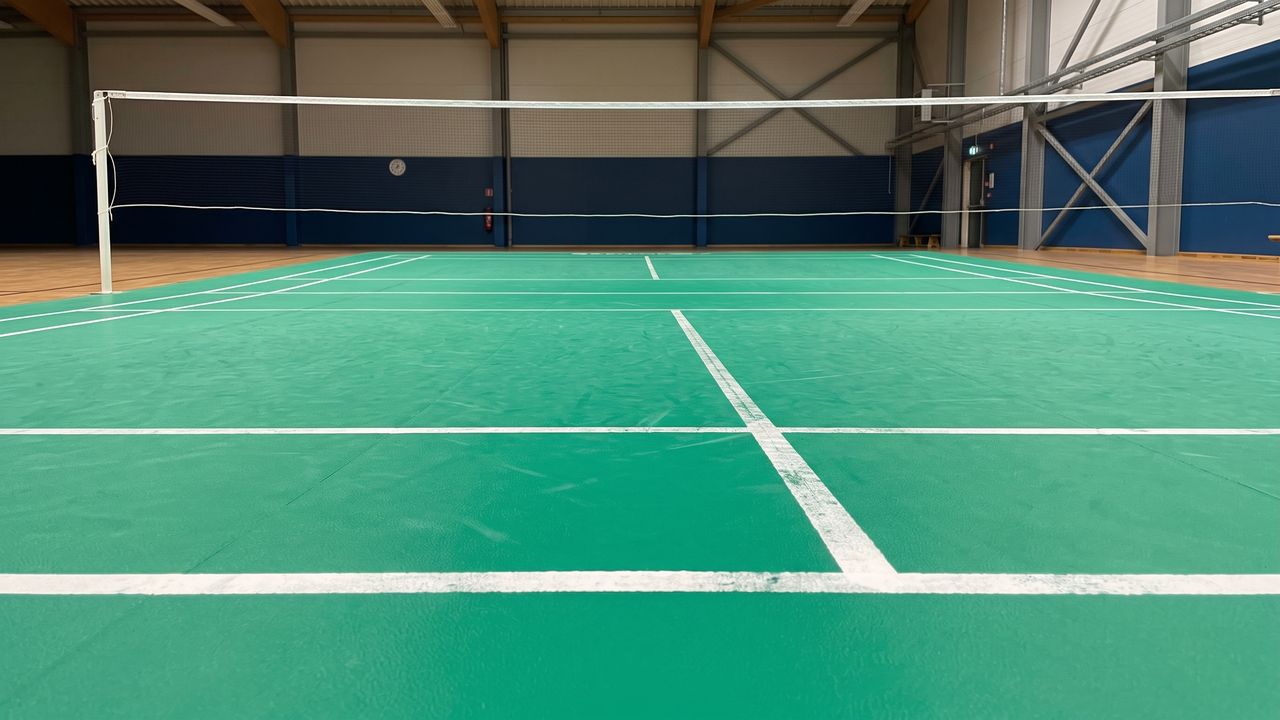
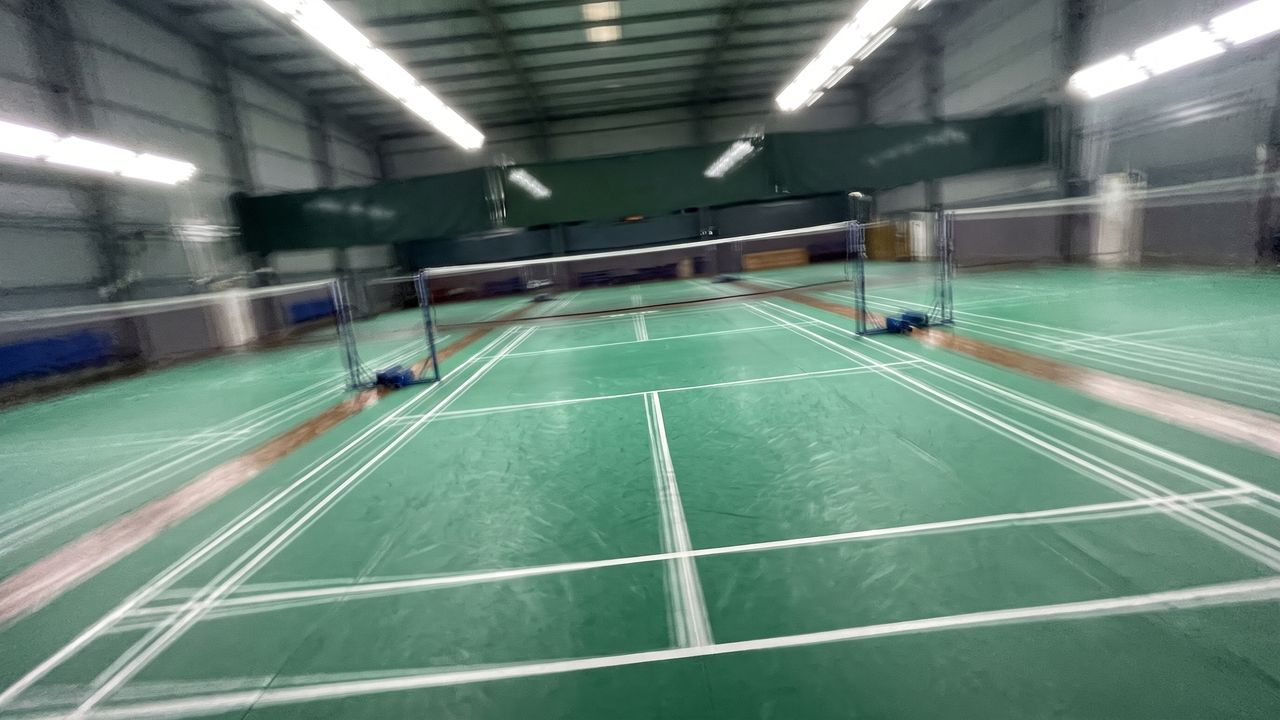
Common mistakes
Step 2 · After the match
Upload, then four details.
- Open DC Rally and go to Add a match. Upload the original video from your gallery: a WhatsApp copy is too small.
- Keep the page open until the upload reaches 100%.
- Fill in the tournament and date, the format and final score Must be right, the shirt colours Must be right and which end your child started.
Why "must be right"? The final score checks every point we read, and the shirt colours tell us which player is your child.
Step 3 · About two minutes
Four taps. Every line.
Tap where the front service line meets the sideline: two points on your side of the net, two on the far side. Zoom in for each tap. The app draws the whole court over your picture.
Wooden, red or concrete floor? We check those courts by hand. It just takes a little longer.
Step 4 · Within 24 hours
12 trained models read the match.
Players, racket and shuttle are tracked frame by frame. Every rally, serve and point is read and checked against the final score. Your report is ready within 24 hours.
E-mails you'll get from info@dcrally.ai
- Action neededAdd the match details or mark the court.
- Your analysis is readyWith a link to the match.
- We're looking into itIf something stops, we check it and write again.
- This video could not be analysedWith the reason and how to film next time.
Why a video might not be analysed
If it happens, the e-mail and the app tell you which one, in these words.
| What happened | Next time |
|---|---|
| The whole court is not in the picture, so we cannot map it. | Film from behind a baseline, high enough to see all four corners. |
| The video was filmed with the wide (0.5x) lens, which bends the court lines too much to map. | Use the normal 1x lens. |
| The camera was beside the court, looking across it, so we could not see the court from end to end. | Film from behind a baseline. It doesn't have to be exactly in the middle; a little to one side is fine, as long as the whole court is in view. |
| The camera was too low, so the far end of the court is too small to measure. | Raise the phone to head height or above, behind a baseline. |
| The camera moved too much while the match was played. | Fix the phone on a tripod or stand before recording. |
| Another person stood on your child's half for a long time, so we could not tell who your child was. | Ask coaches and officials to stay off the court during the recording. |
| We could not find the points in this video. | — |
Step 5 · Your report
Every rally, read.
- Match report: score by game, points won on serve and on receive, distance, longest rally, next to your child's own average.
- Where the match was played: court maps and rally paths.
- Coach view: invite your coach from the profile. Coaches see numbers only, never videos or pictures.
- Ask the Coach: type a question in plain words and get the answer from your child's own matches.
"Estimated" means the model is less sure. We show it, we don't hide it.
Won 2–1 · score checked ✓
Is my hall OK?
The court lines must be white. Green and blue mats work best. On wooden, red or concrete floors we check the court by hand, so it can take a little longer.
Ready for your first match?
The pilot is invitation-only. Tell us about your child and we'll be in touch. Questions? Write to info@dcrally.ai.